

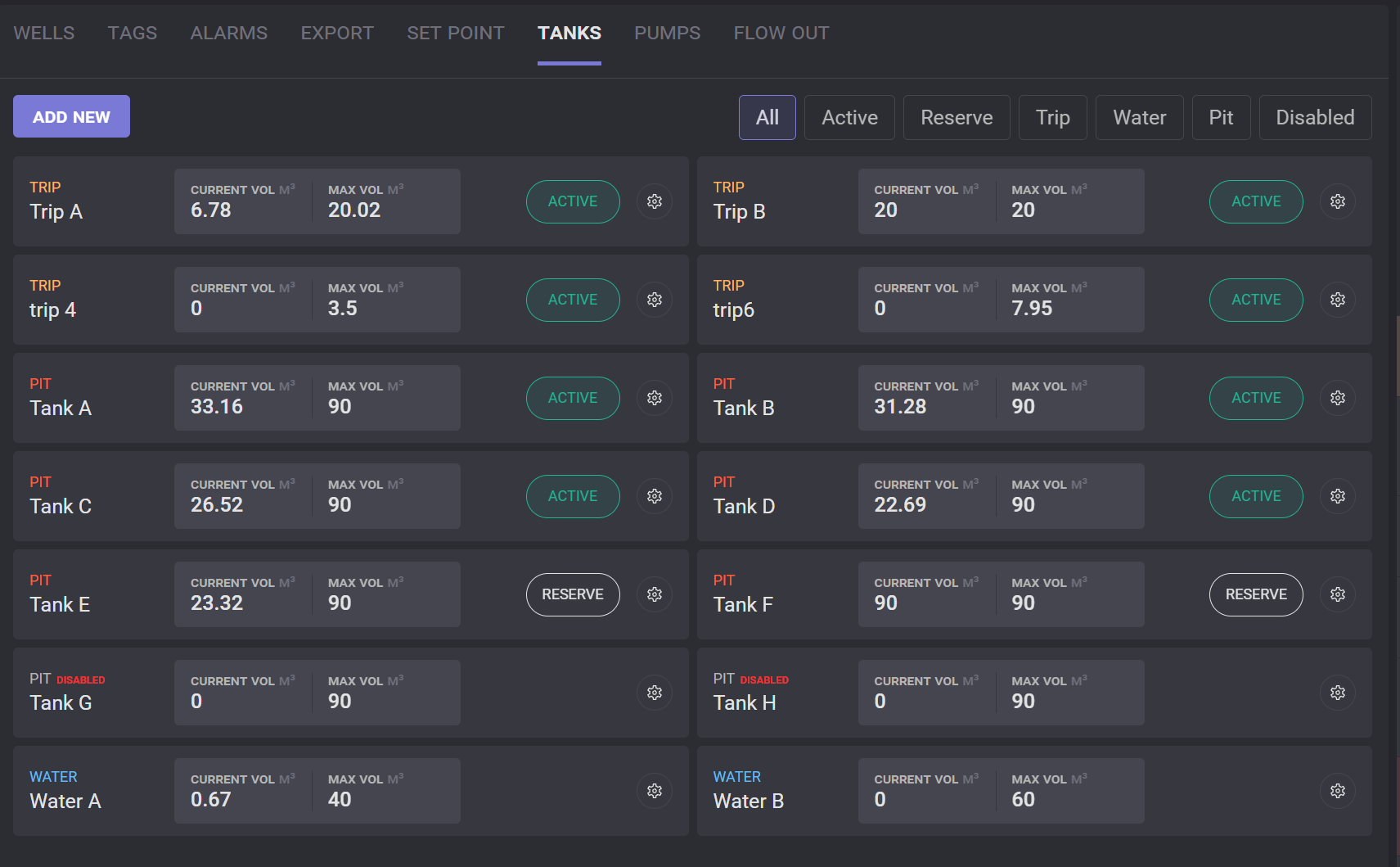
The list of tanks can be viewed and managed on the Tanks tab in the Configuration. The list can be filtered by type of the tanks and by its current state. To filter list click on the filter label above the list.
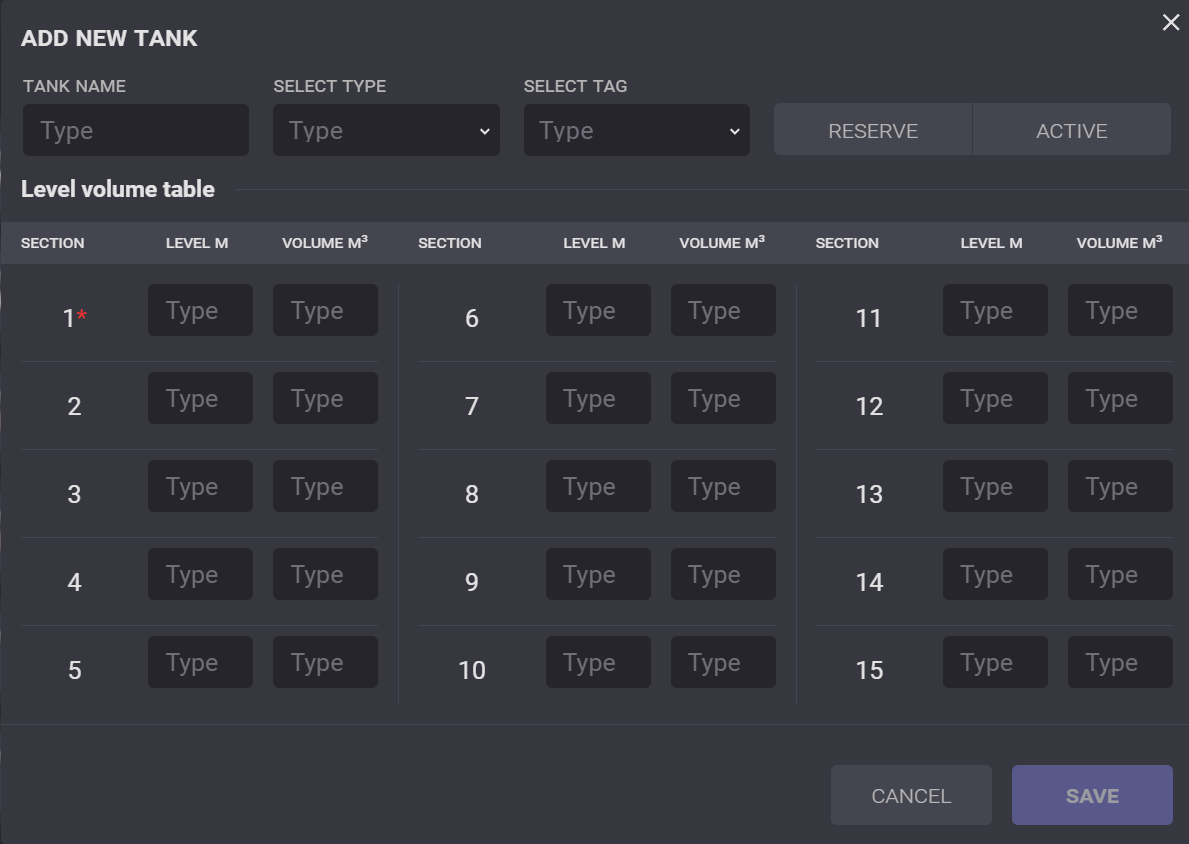
To create a new tank, click on the Add New button. In the opened Add New Tank dialog, enter the tank name, select the type and tag, set the state of the tank (reserve or active), and define sections, levels, and volumes. At least one section’s parameters should be defined.
Settings of the existing tank can be changed by clicking on the gear icon 